Best Acer Laptops Online: Aspire, Predator, Nitro & Swift Deals (Page 2)
Explore the Ultimate Buying Guide to Choosing the Right Ace... (P.2)
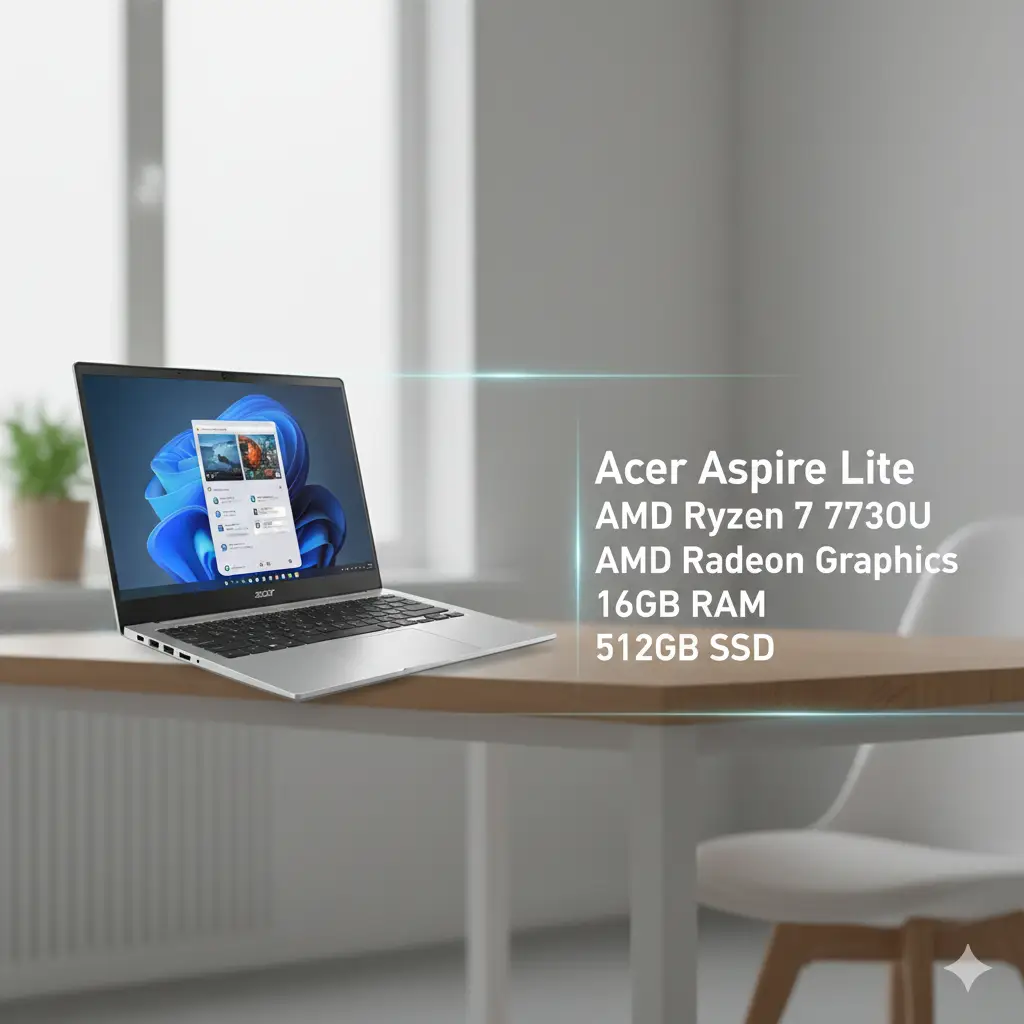
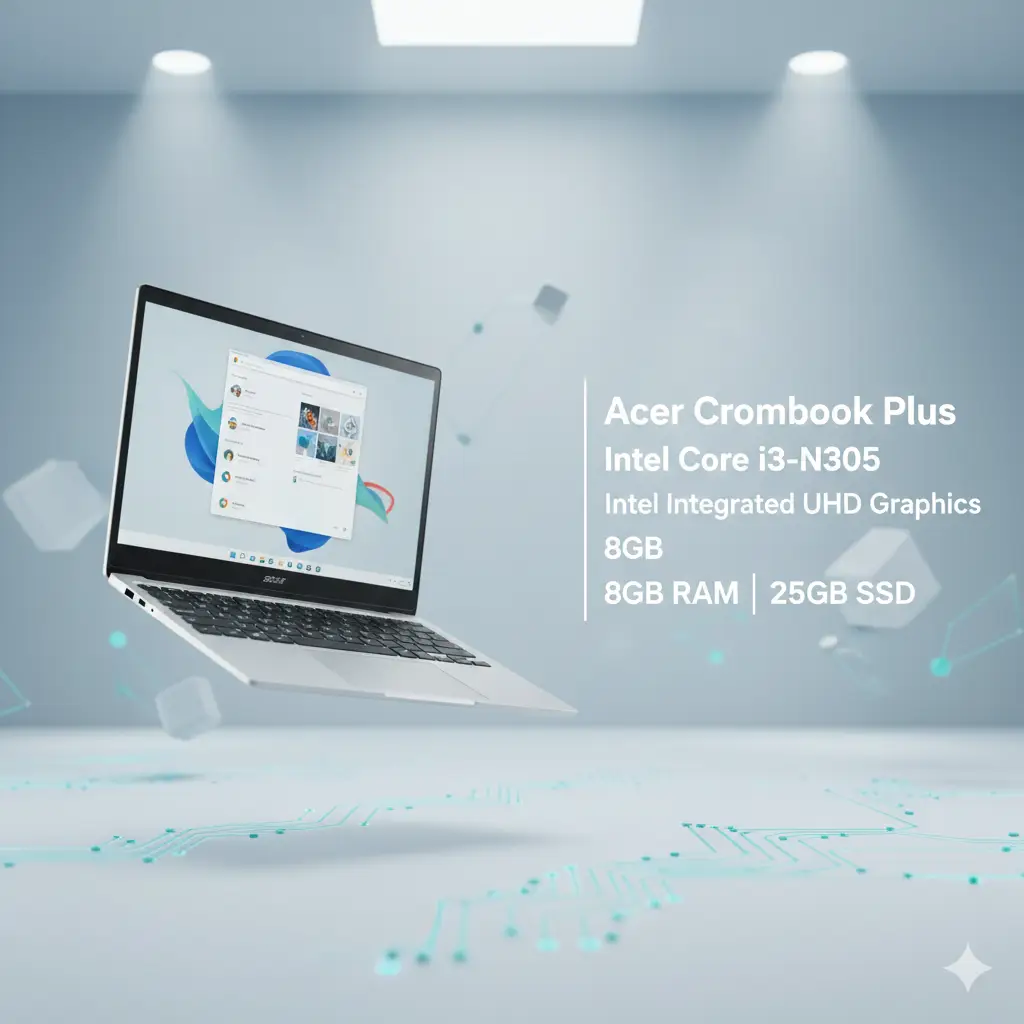
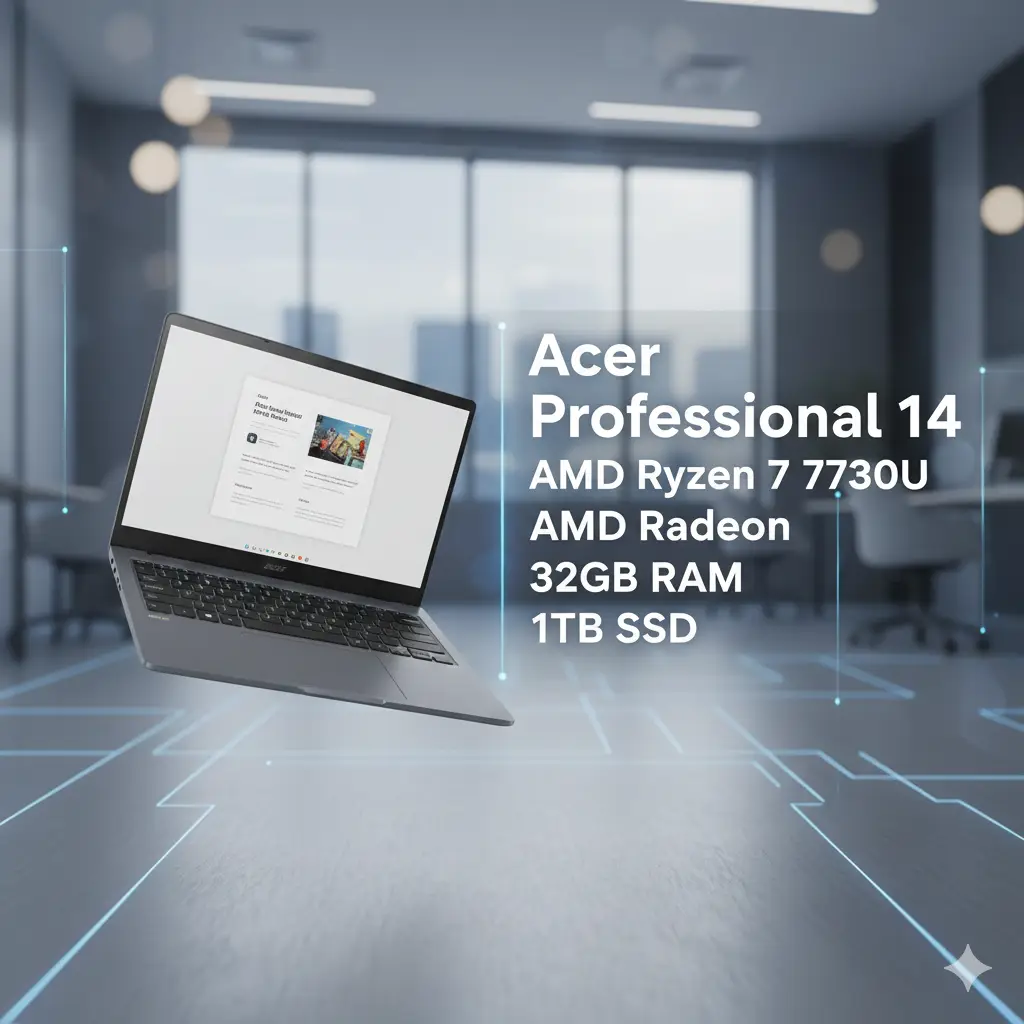

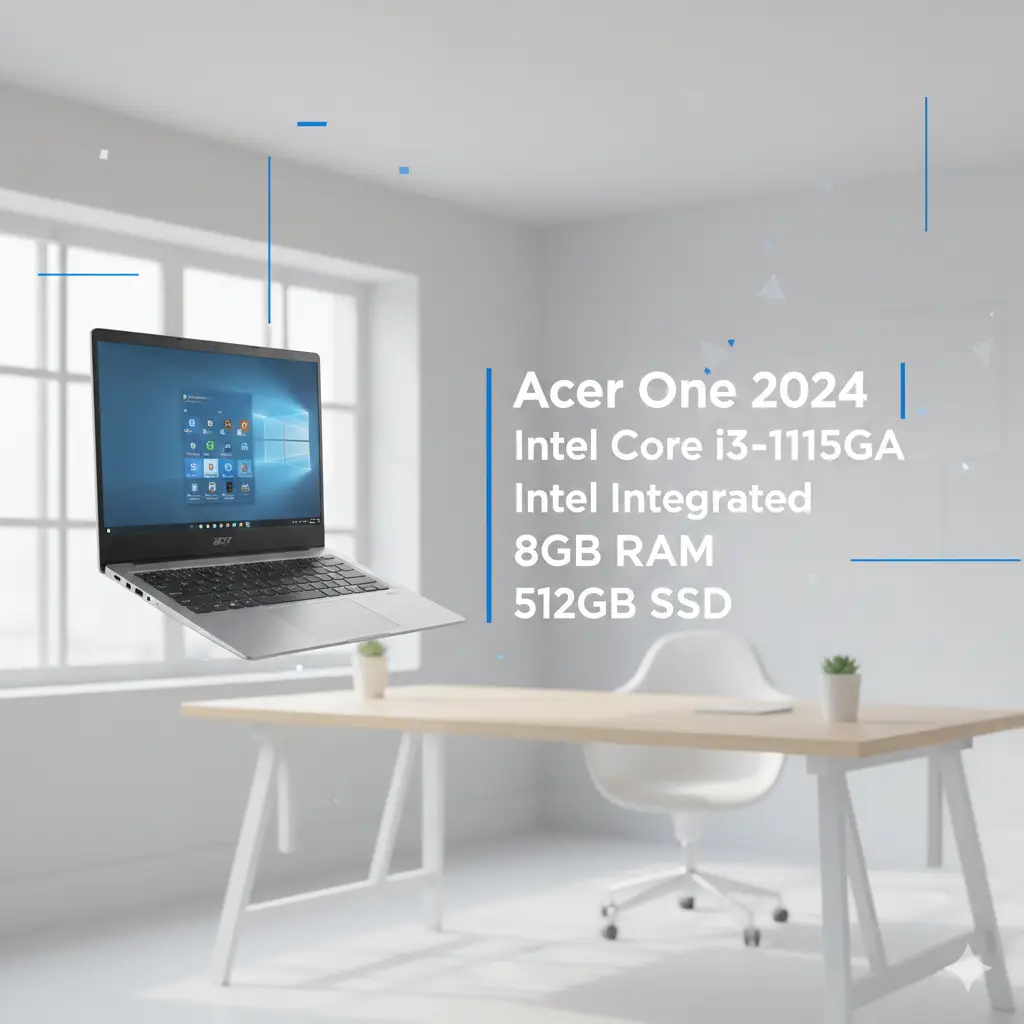
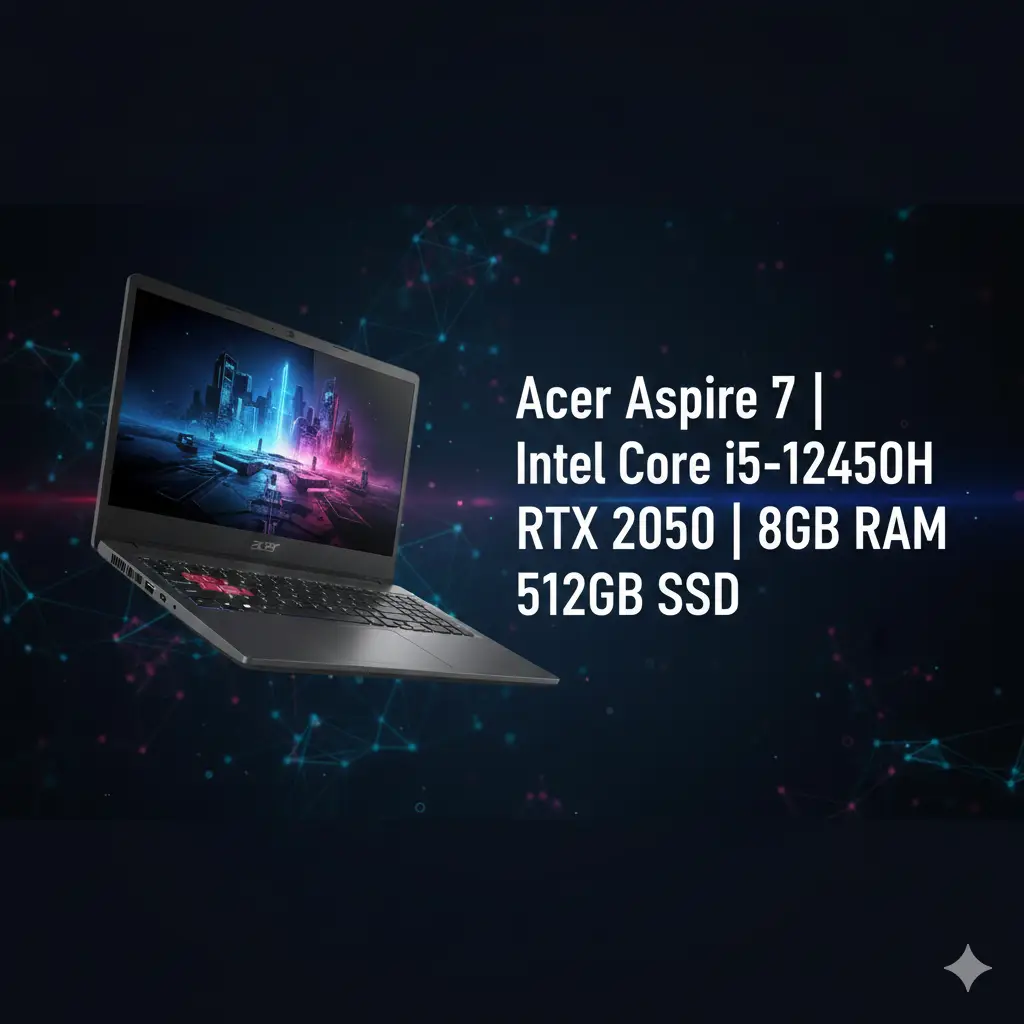

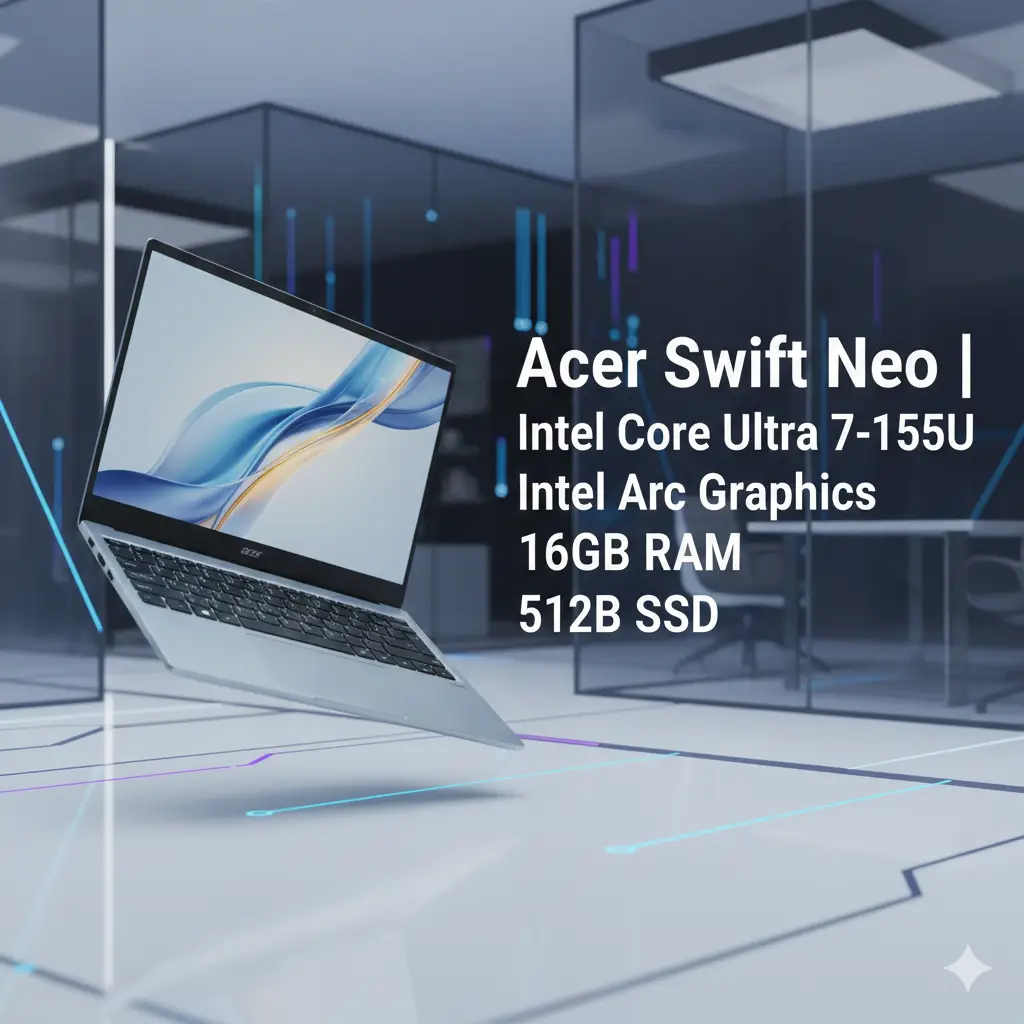


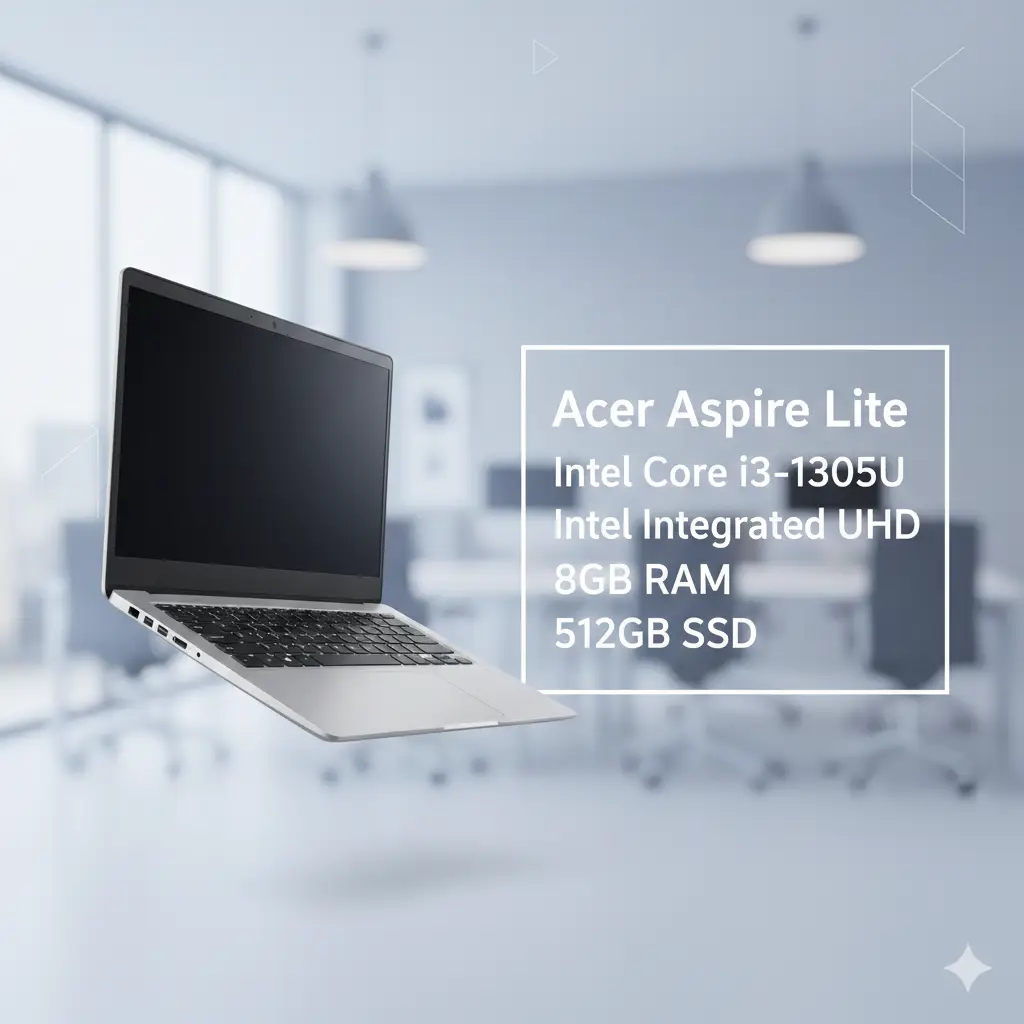
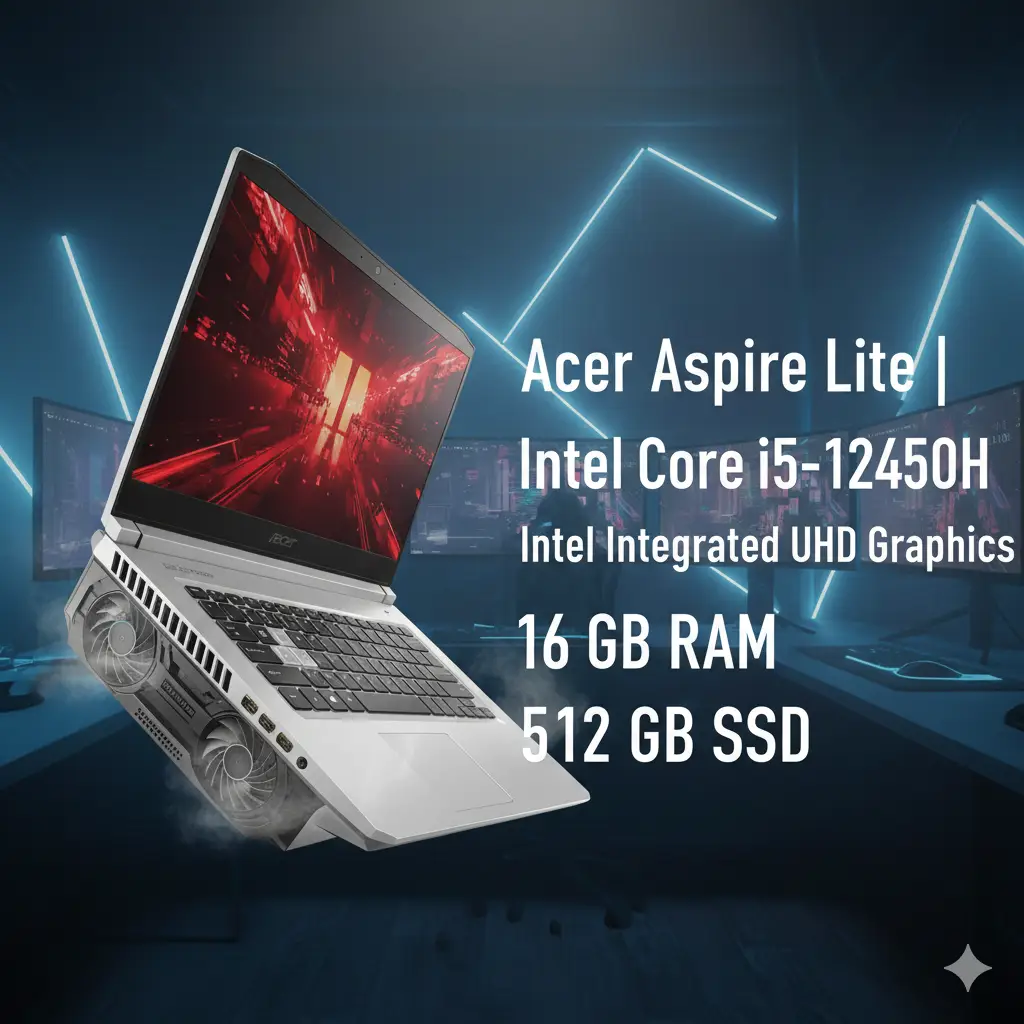
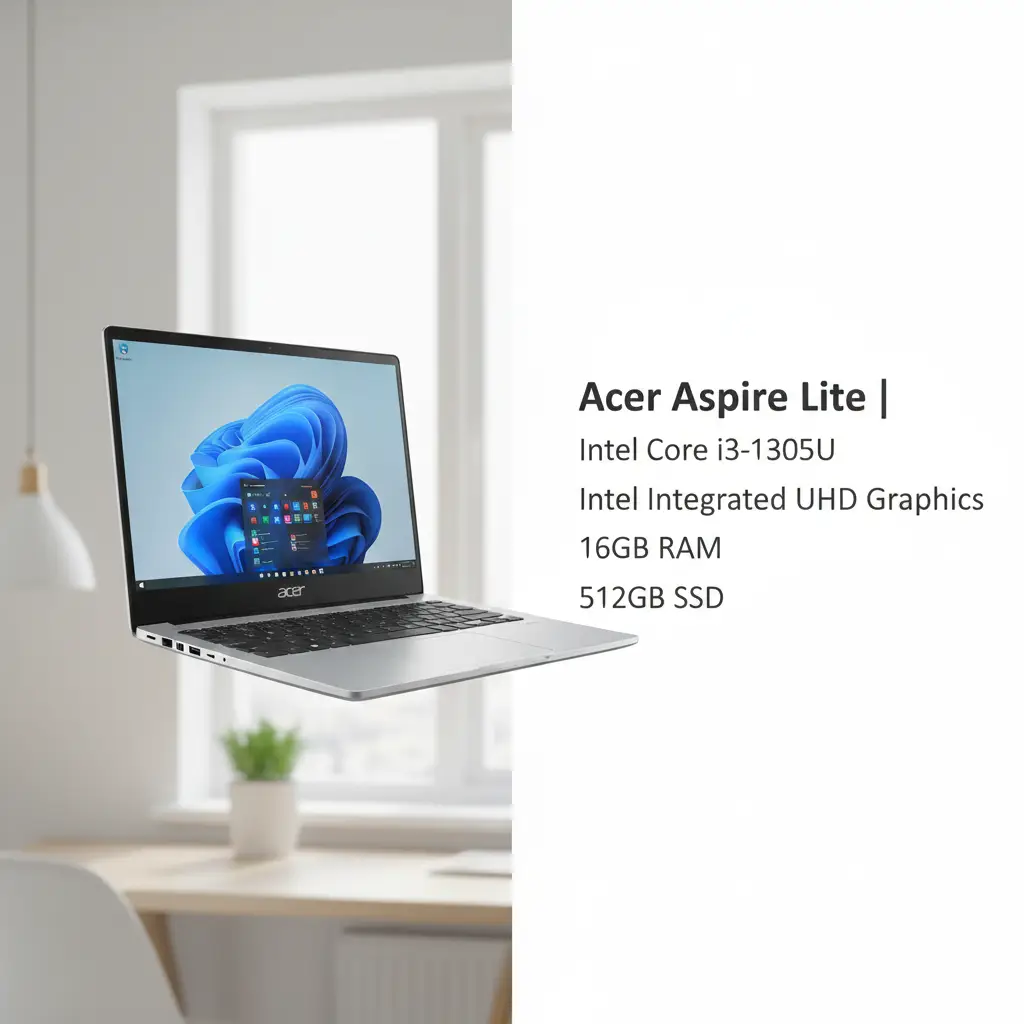
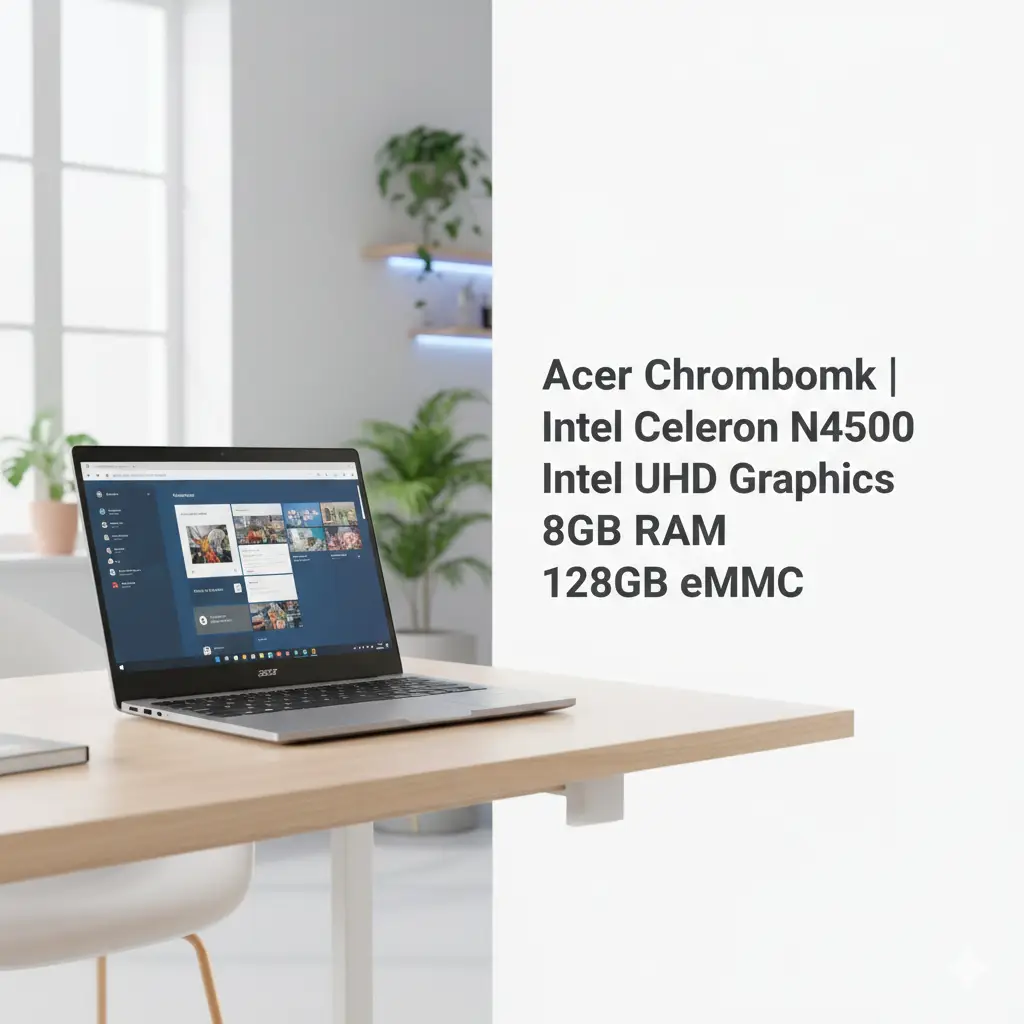
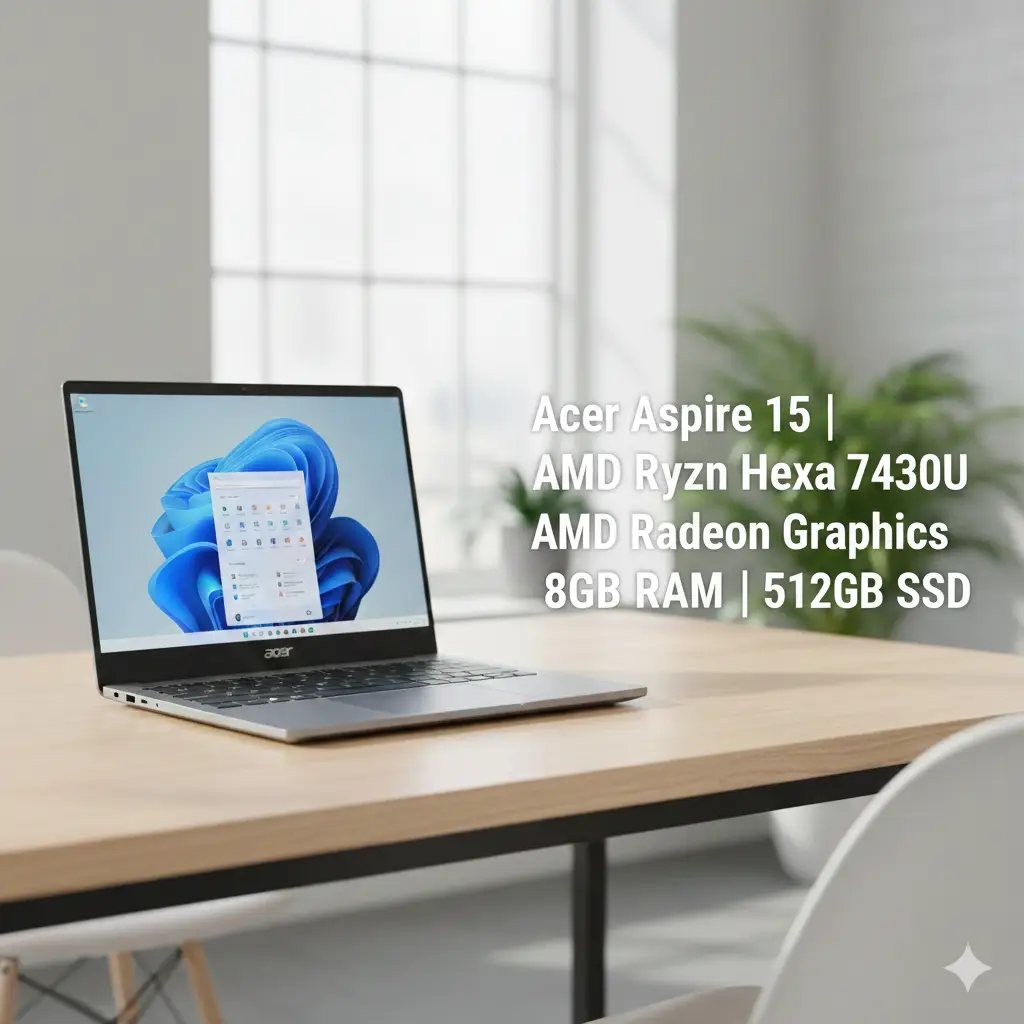
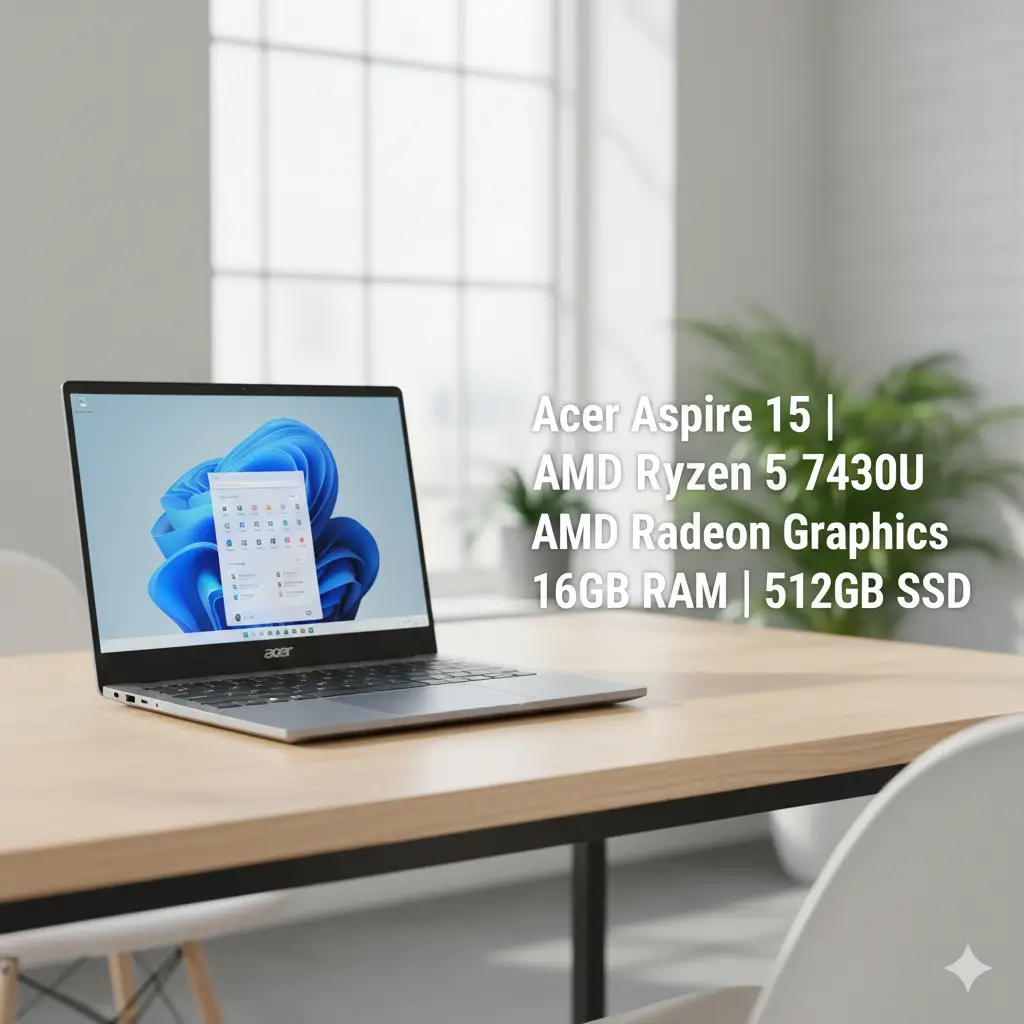

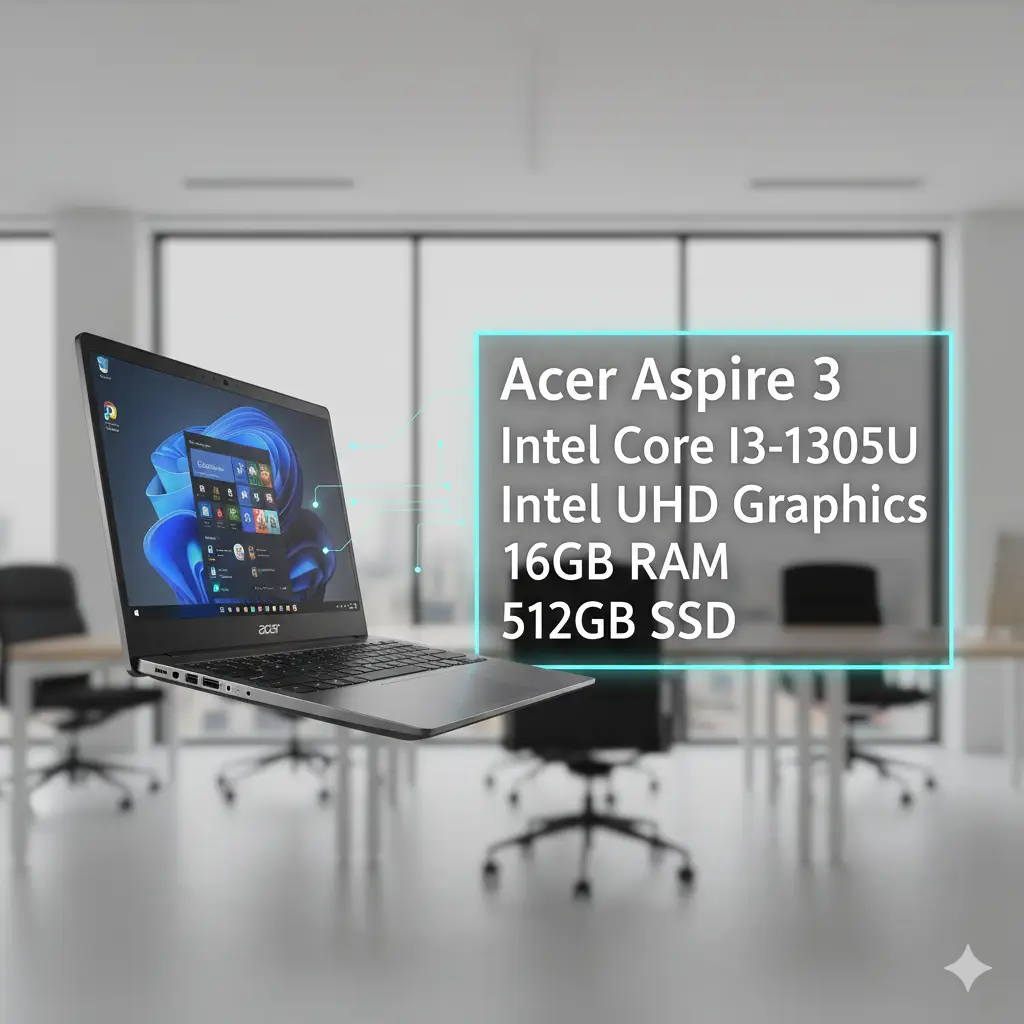

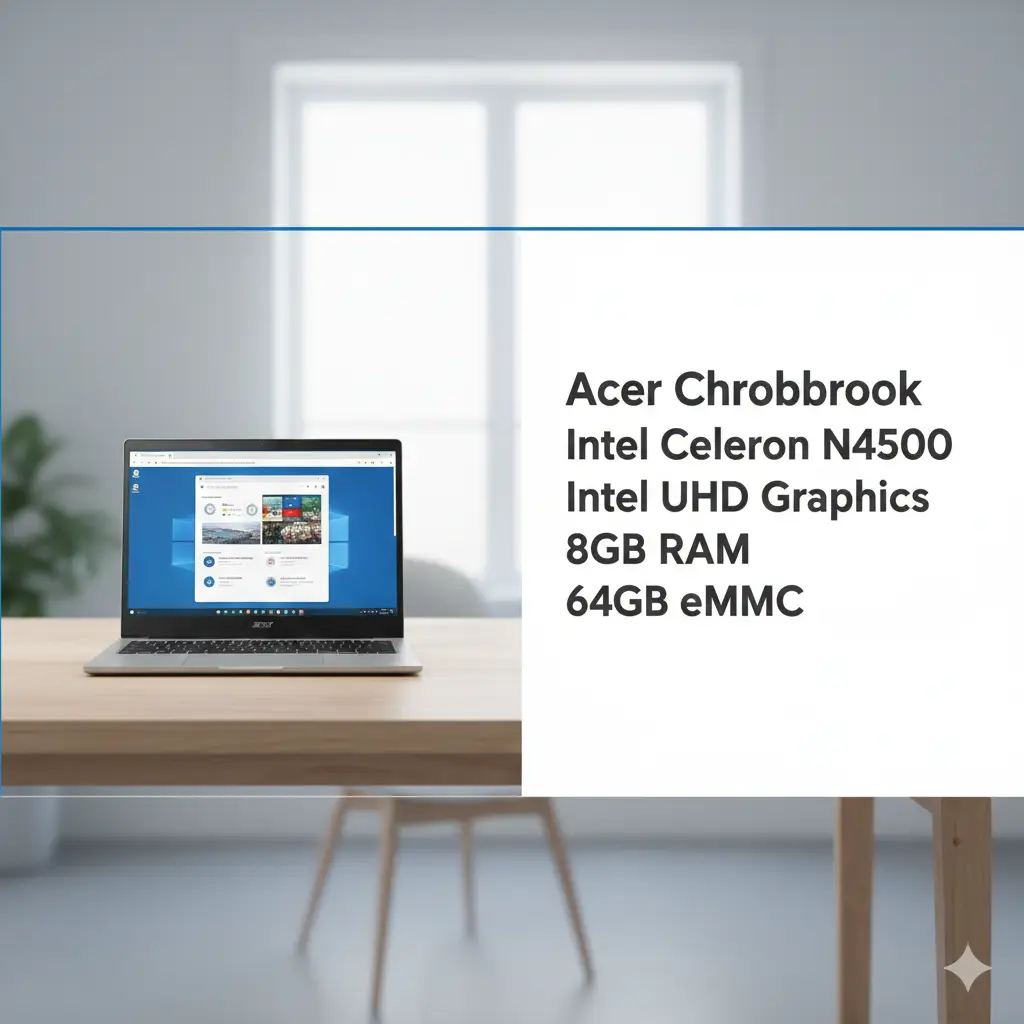
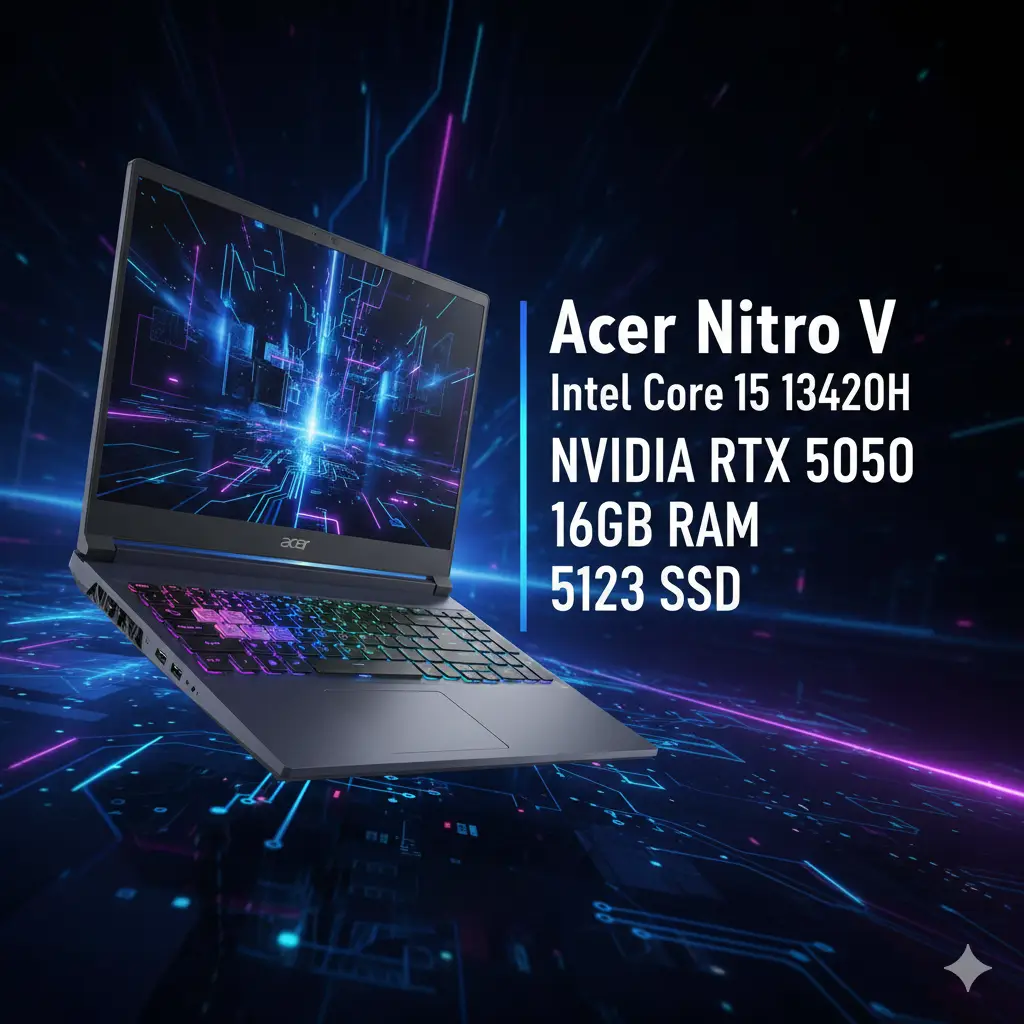
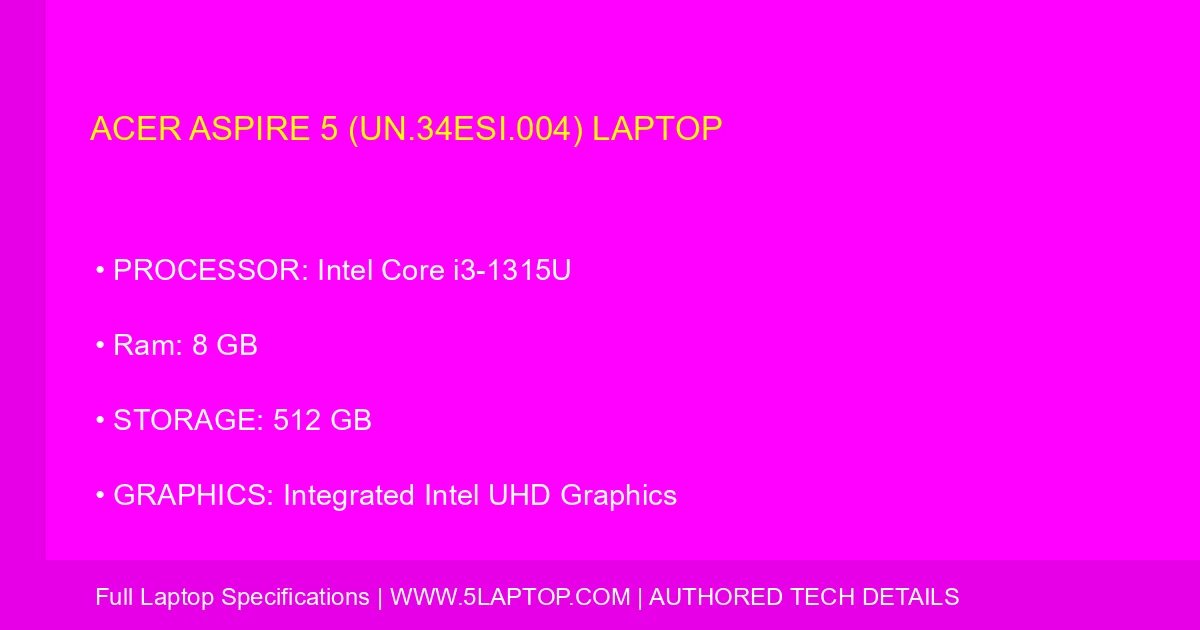

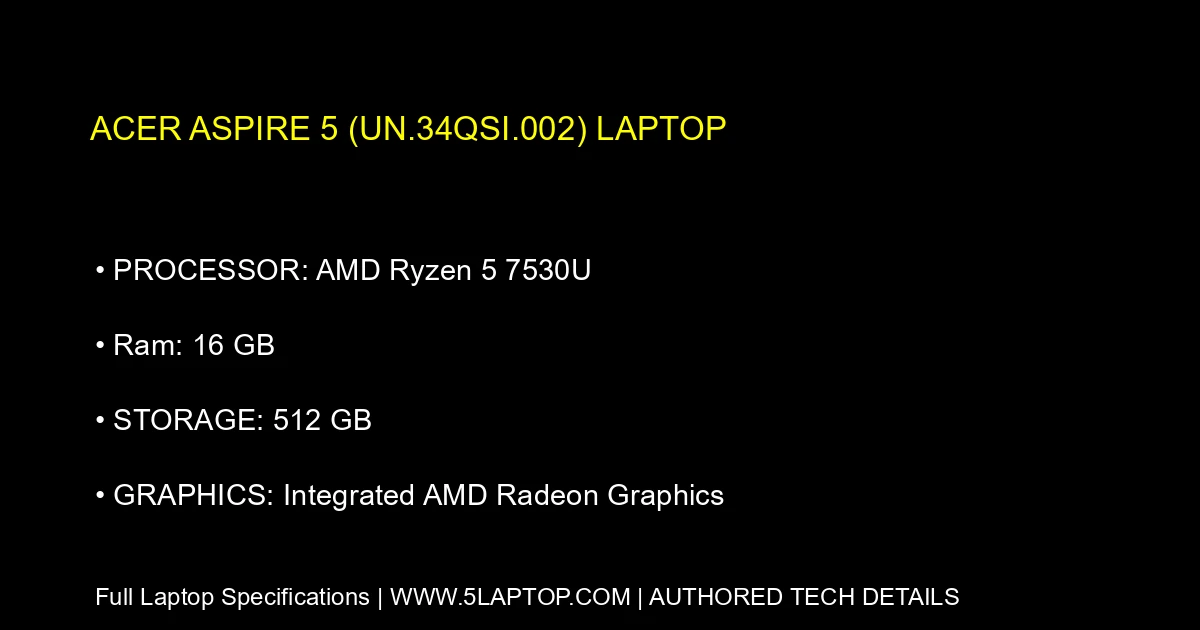
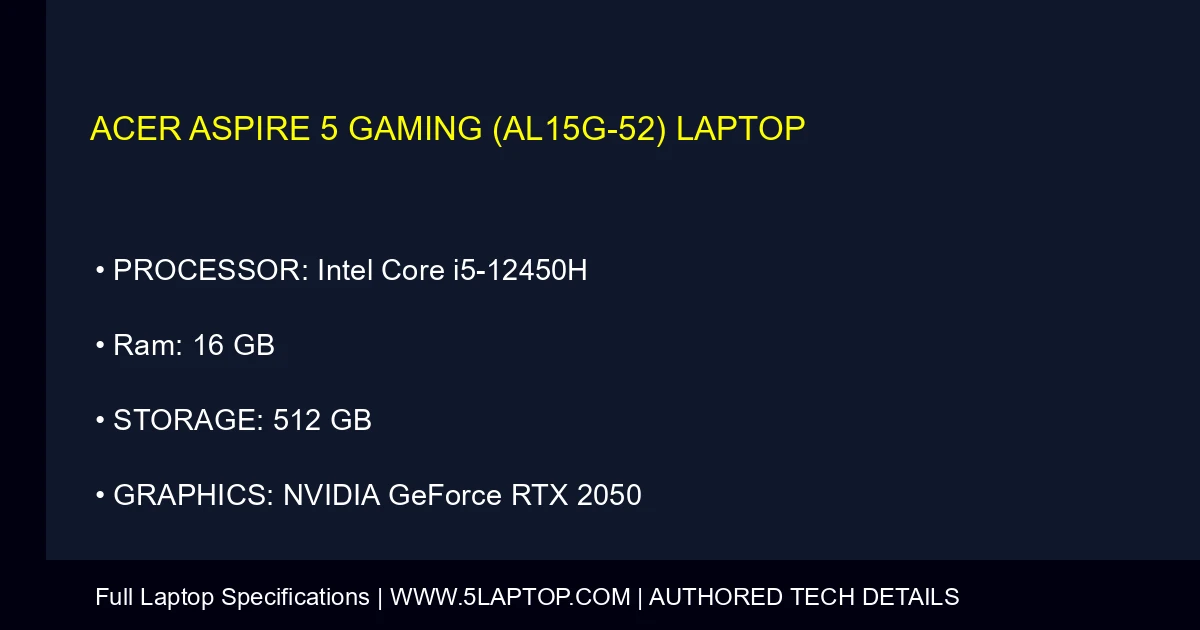
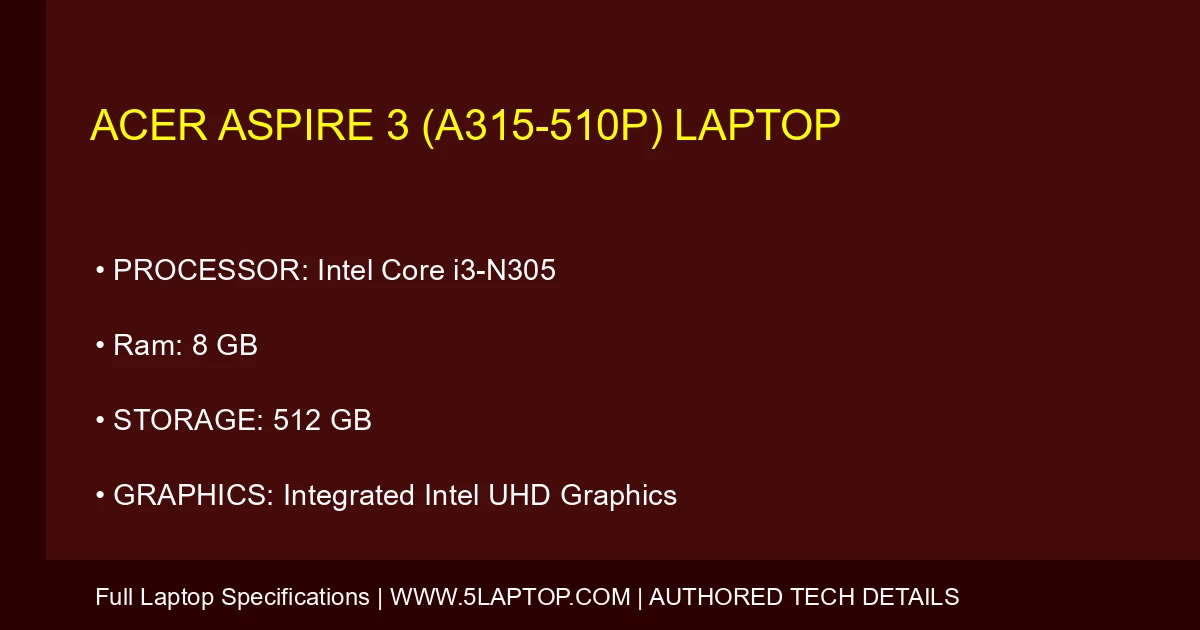
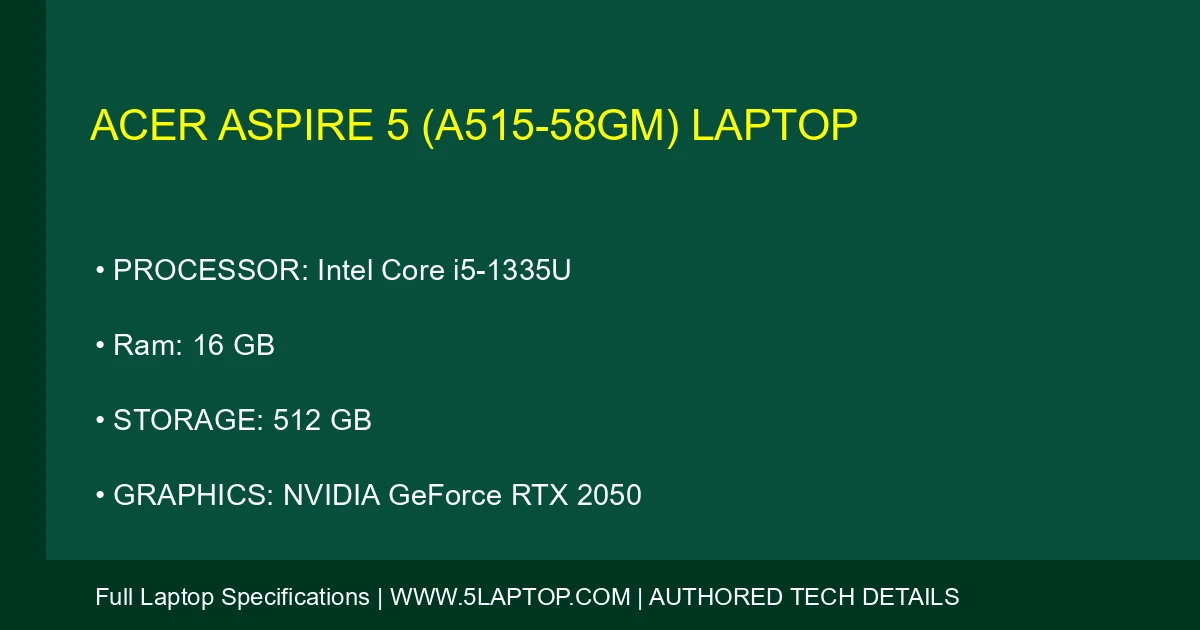
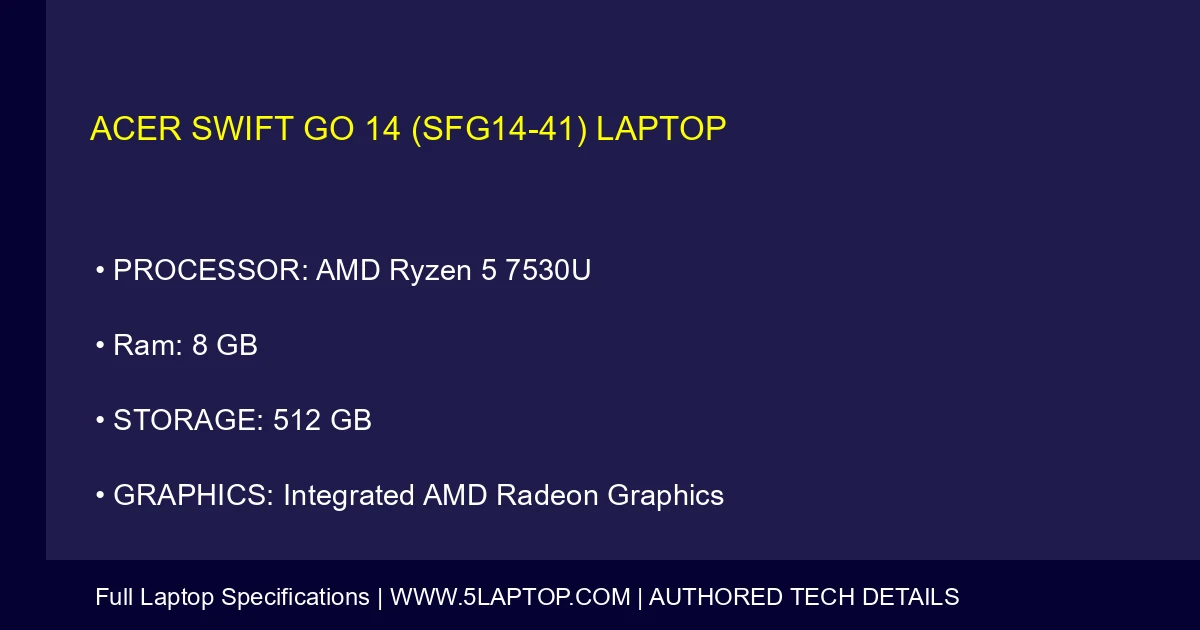
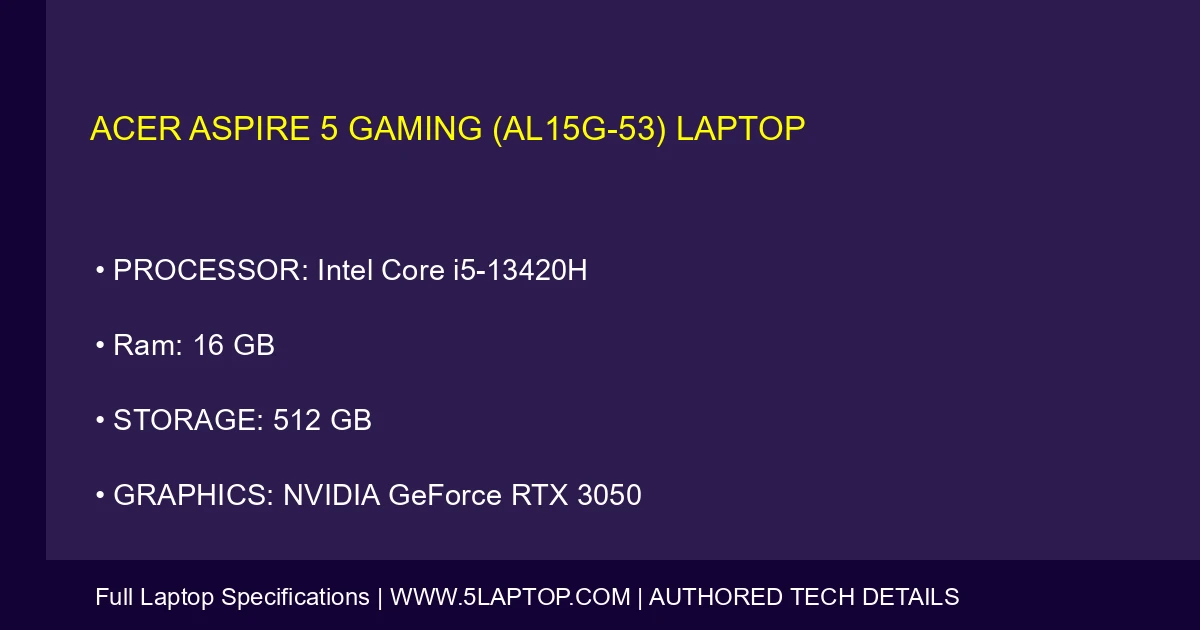
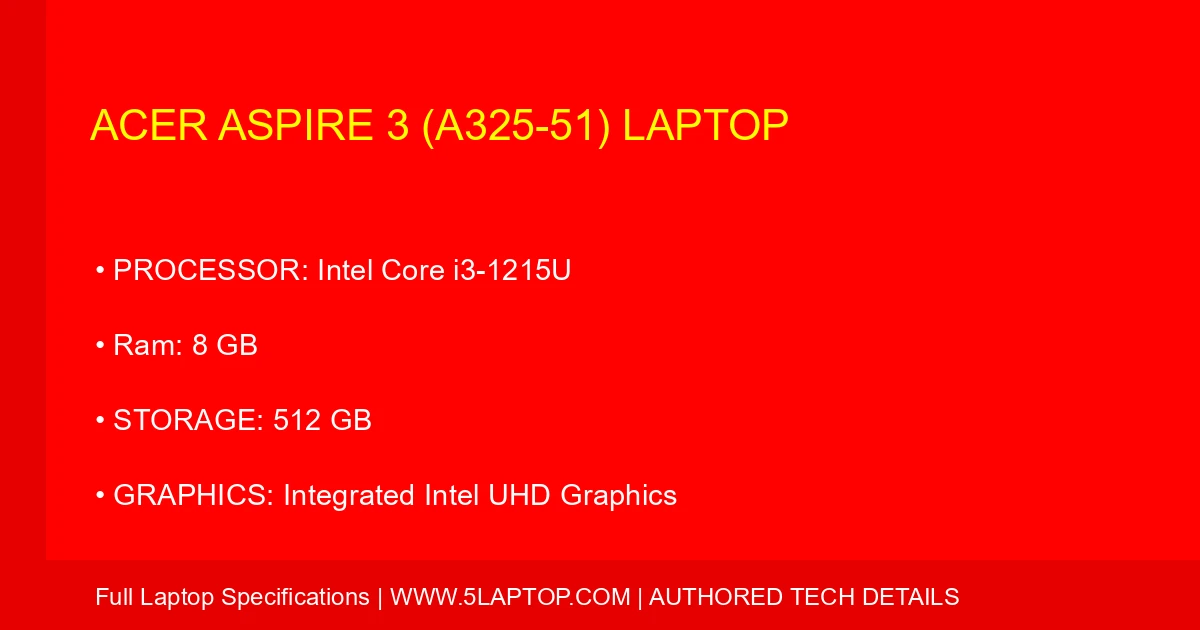
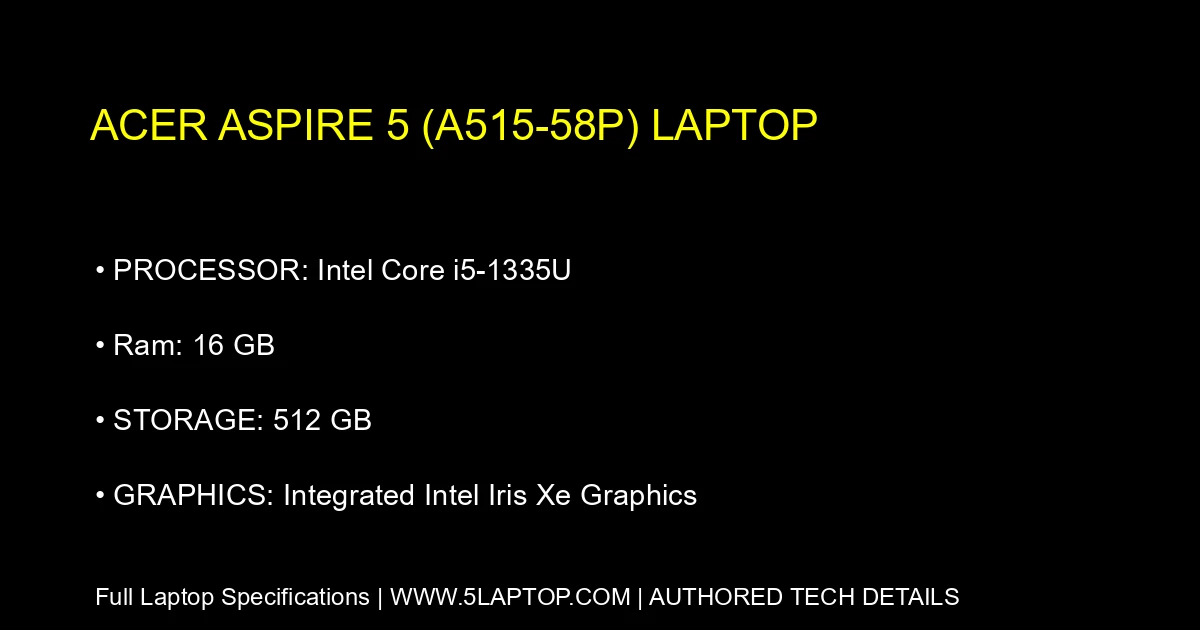
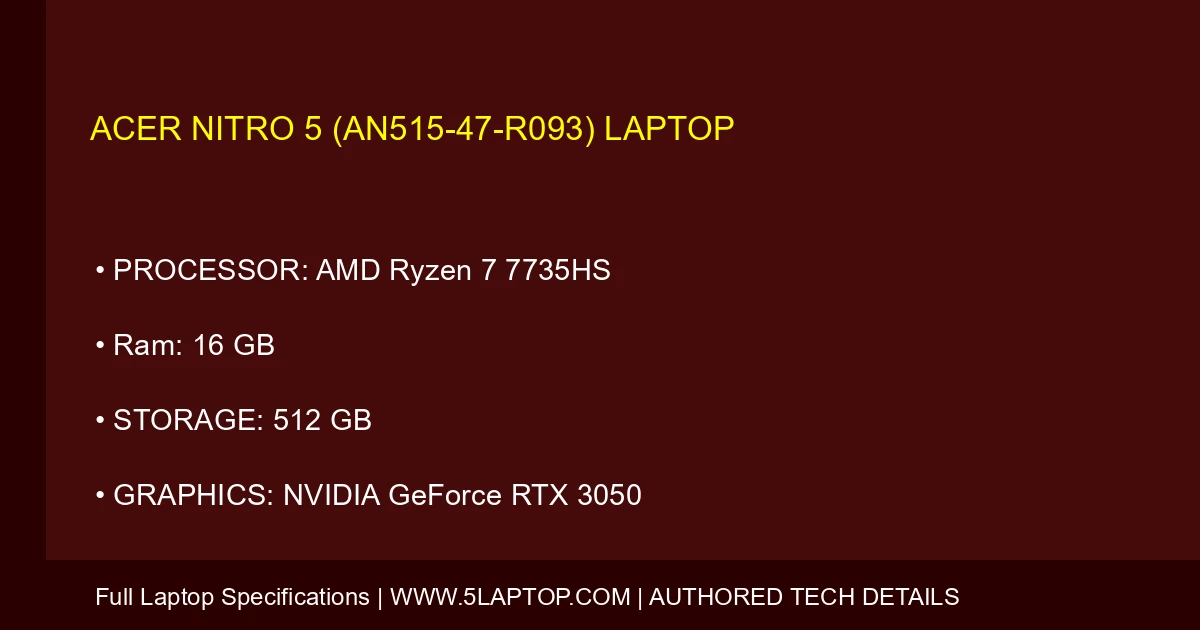
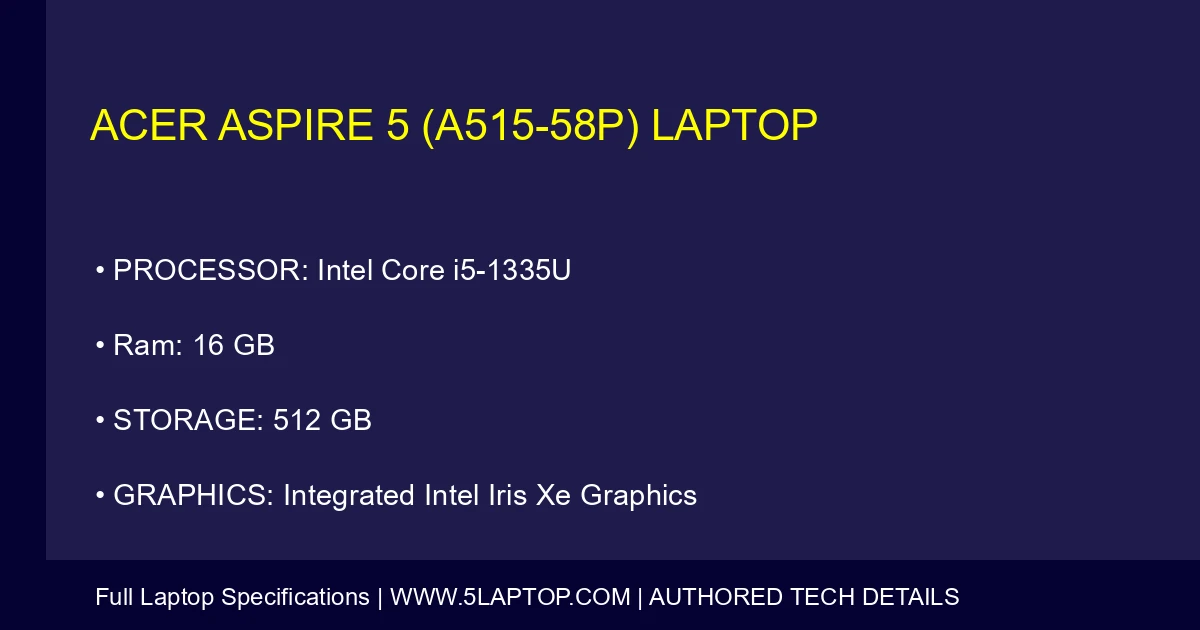
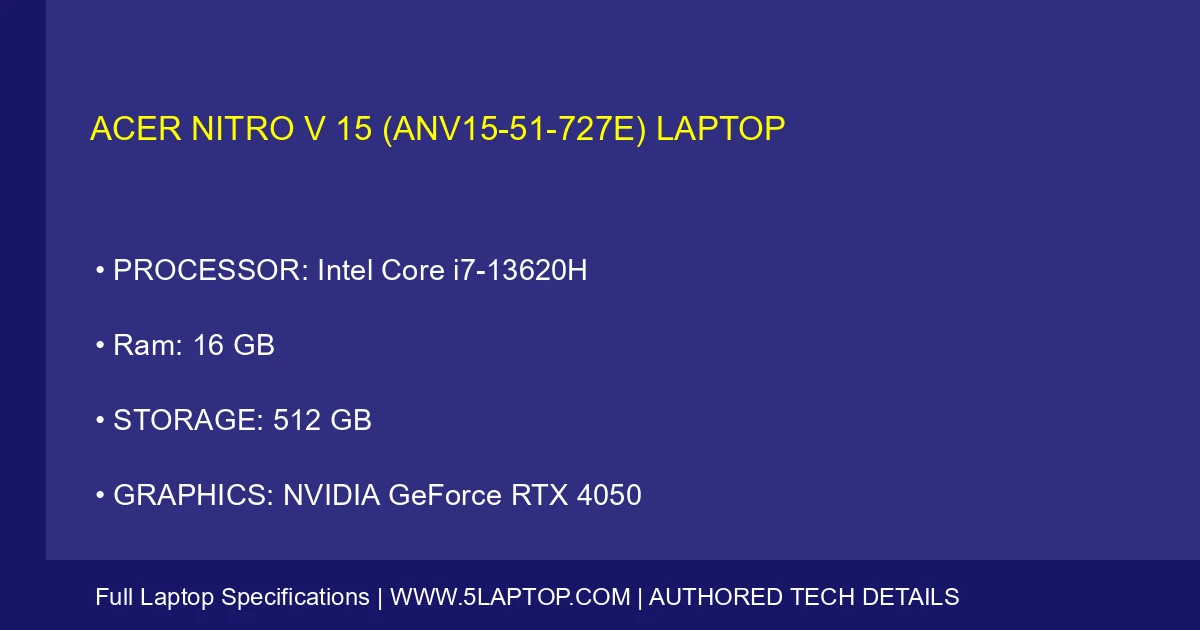
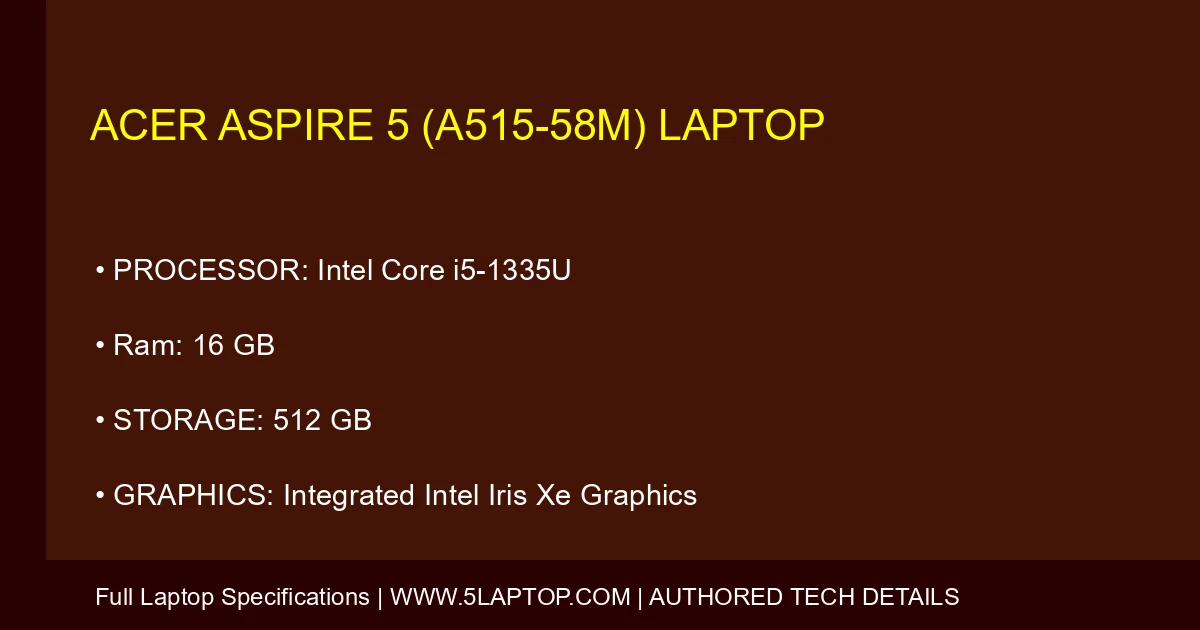
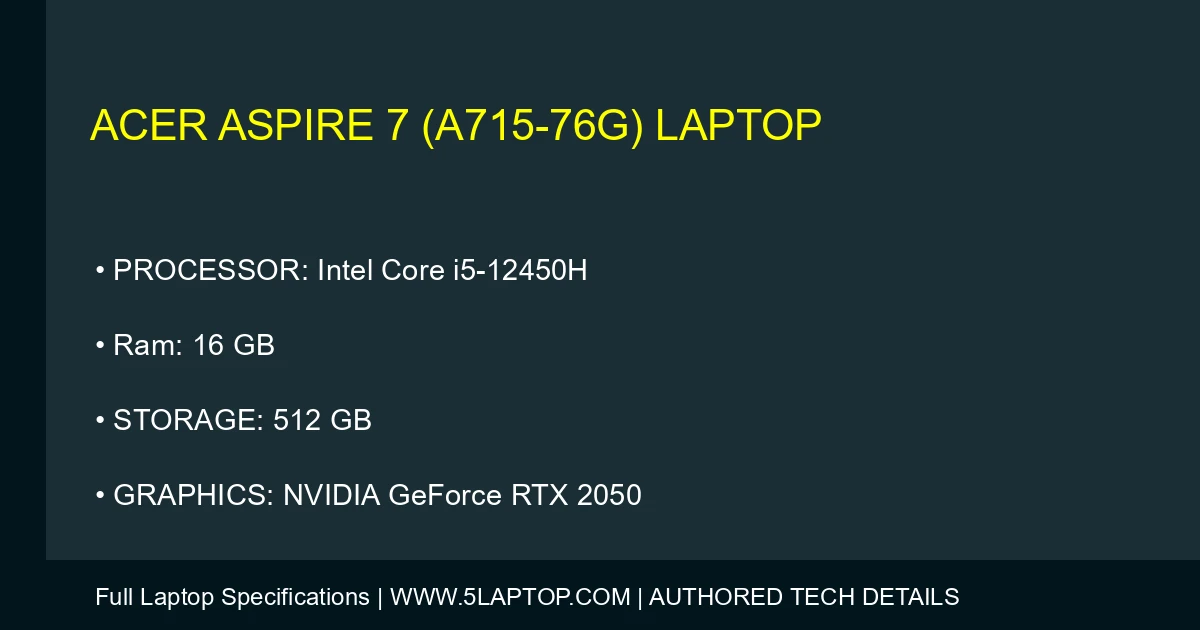
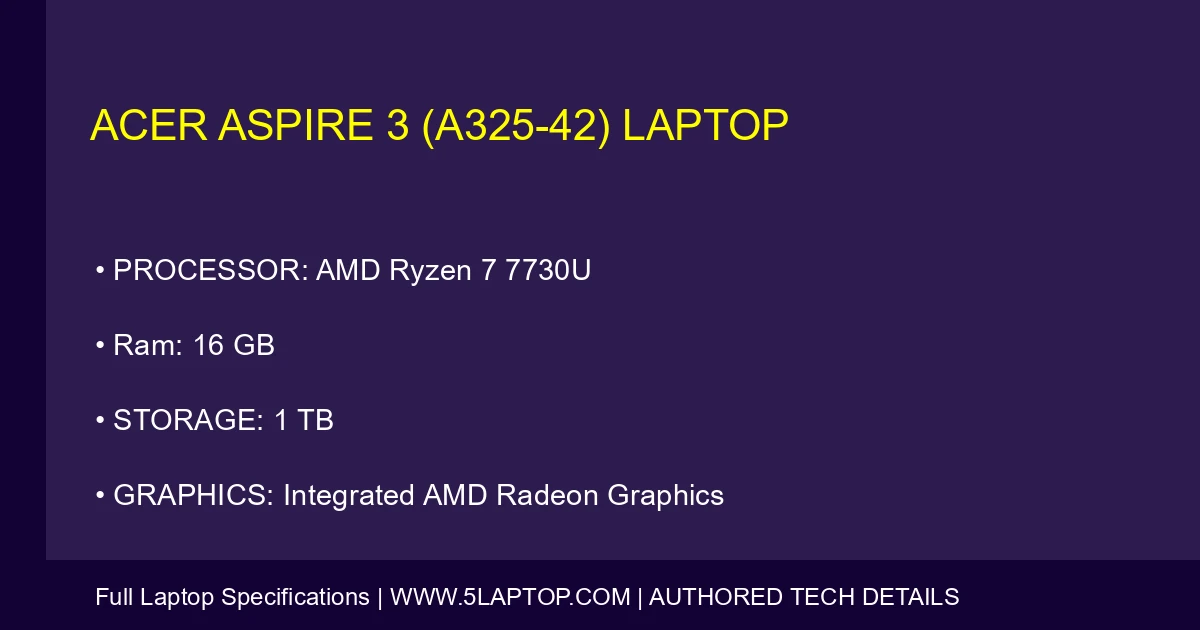
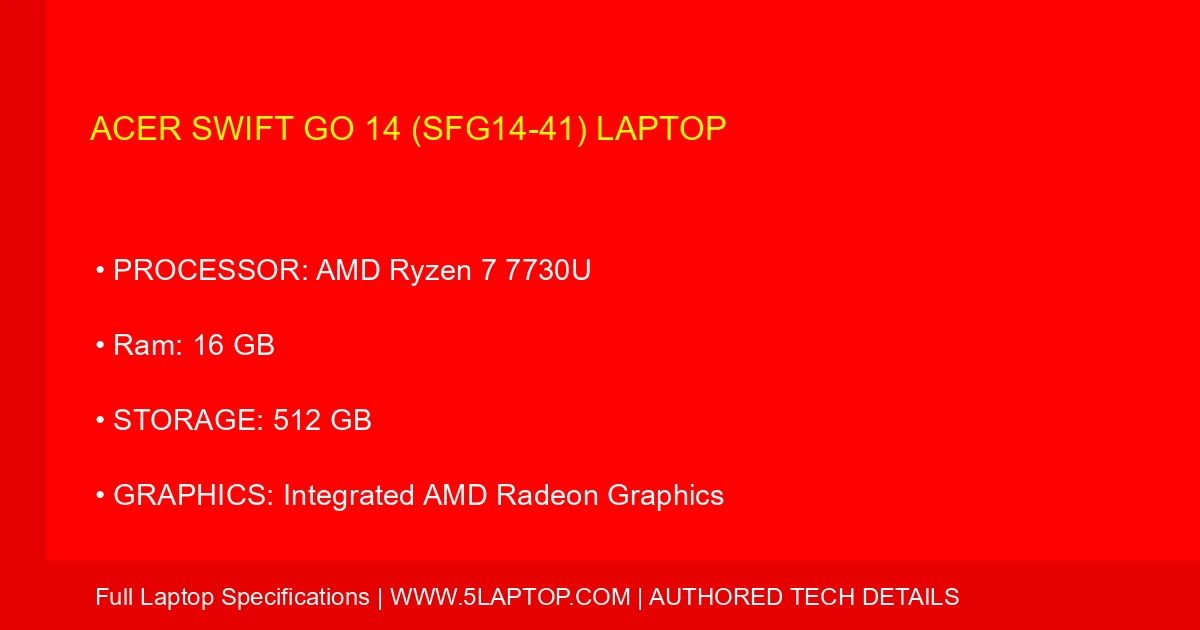
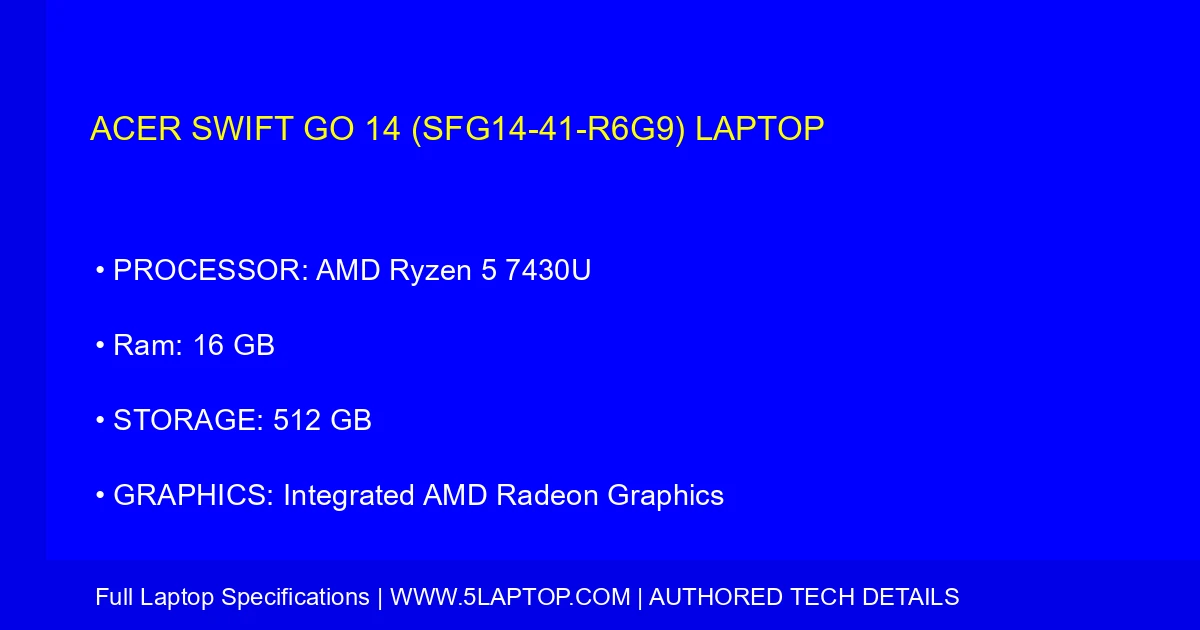
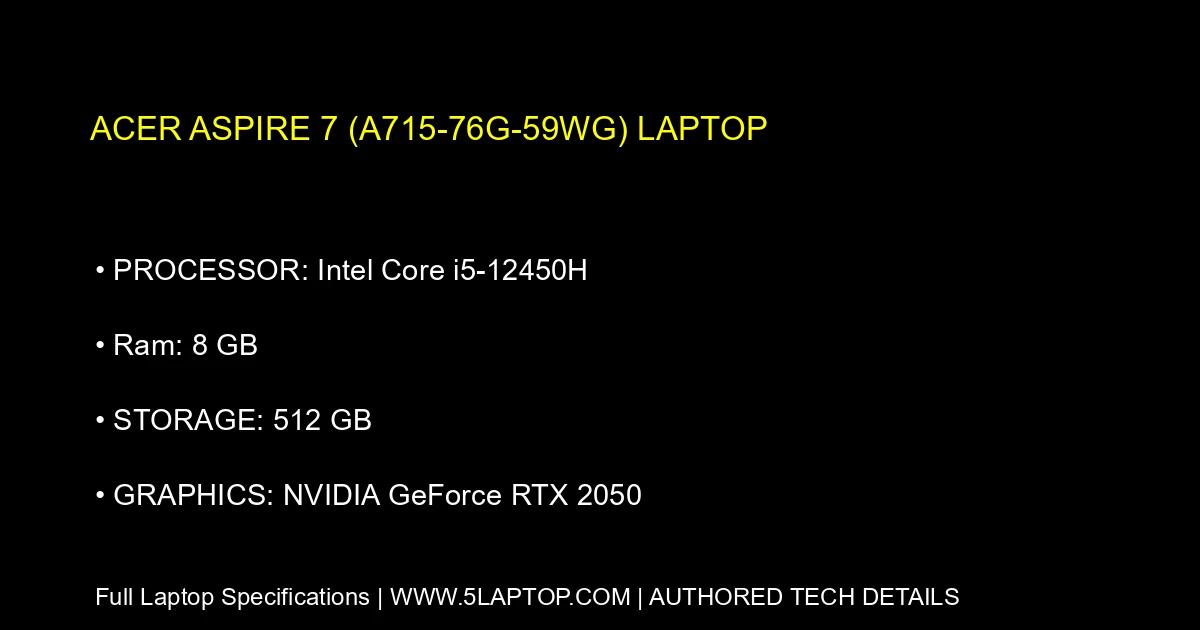
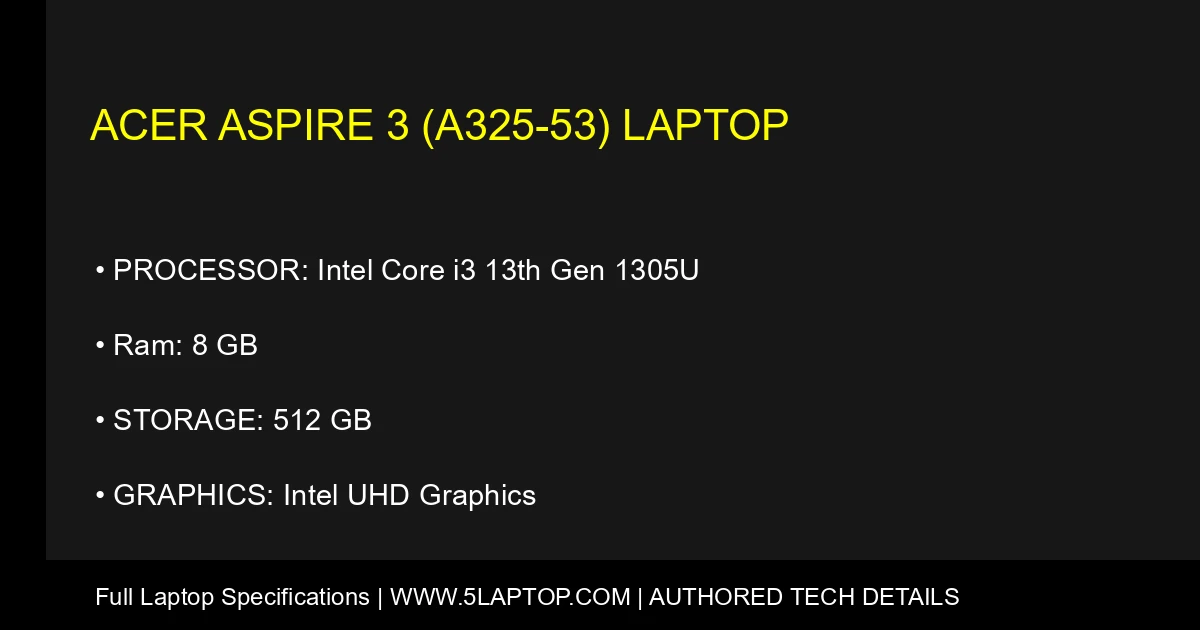
Comprehensive Acer Laptop Buying Guide
Acer is a globally trusted technology pioneer known for offering exceptional performance, high-end innovation, and remarkable value for money. Whether you are a student looking for a reliable daily laptop, a creative professional requiring a lightweight ultrabook, or an avid gamer seeking high framerates and immersive graphics, Acer features an expansive product ecosystem tailored to match your specific needs.
1. Understanding Acer's Core Laptop Families
Choosing the right Acer laptop begins with identifying your primary computing requirements:
- Acer Aspire: The ultimate everyday laptop for students and home users. Aspire notebooks deliver dependable multi-core processing, comfortable keyboards, and great battery life at an affordable price point.
- Acer Swift: Premium ultraportable laptops crafted for professionals, frequent travelers, and digital nomads. Swift models feature sleek magnesium-aluminum chassis, crystal-clear displays, and all-day mobility.
- Acer Nitro & Predator: Engineered for gamers and power users. Nitro offers mainstream gaming performance on a budget, while Predator laptops represent elite, desktop-grade gaming power equipped with advanced cooling fans and high-refresh-rate screens.
- Acer ConceptD: Specialized high-performance workstations designed specifically for creators, architects, and video editors who need color-accurate PANTONE-validated displays and silent thermal management.
2. Essential Hardware Specifications to Evaluate
To ensure your new Acer laptop delivers smooth multitasking and long-term durability, pay attention to these core components:
- Processor (CPU): Opt for Intel Core or AMD Ryzen processors. Core i3 / Ryzen 3 handles basic web browsing and office documents, whereas i5/i7 or Ryzen 5/7/9 configurations excel at heavy multitasking, coding, and gaming.
- Memory & Storage: Aim for a minimum of 8GB to 16GB of RAM to prevent system lag. Always prioritize a high-speed Solid State Drive (SSD) ranging from 256GB to 1TB for rapid boot times and ample application storage.
- Display Quality: Look for Full HD (1920x1080) resolution as a dependable baseline. If your focus is media streaming or professional design, consider upgrading to vibrant IPS touch panels or high-refresh-rate gaming screens.
3. Why Choose an Acer Laptop?
Investing in an Acer laptop guarantees access to cutting-edge thermal architectures, reliable build quality, ergonomic keyboards, and excellent hardware warranties. Acer consistently delivers maximum performance per dollar invested.