HP Laptops: Professional Performance & Productivity Notebooks (Page 11)
Explore Business-Class HP Laptops for Enhanced Workflows (P.11)
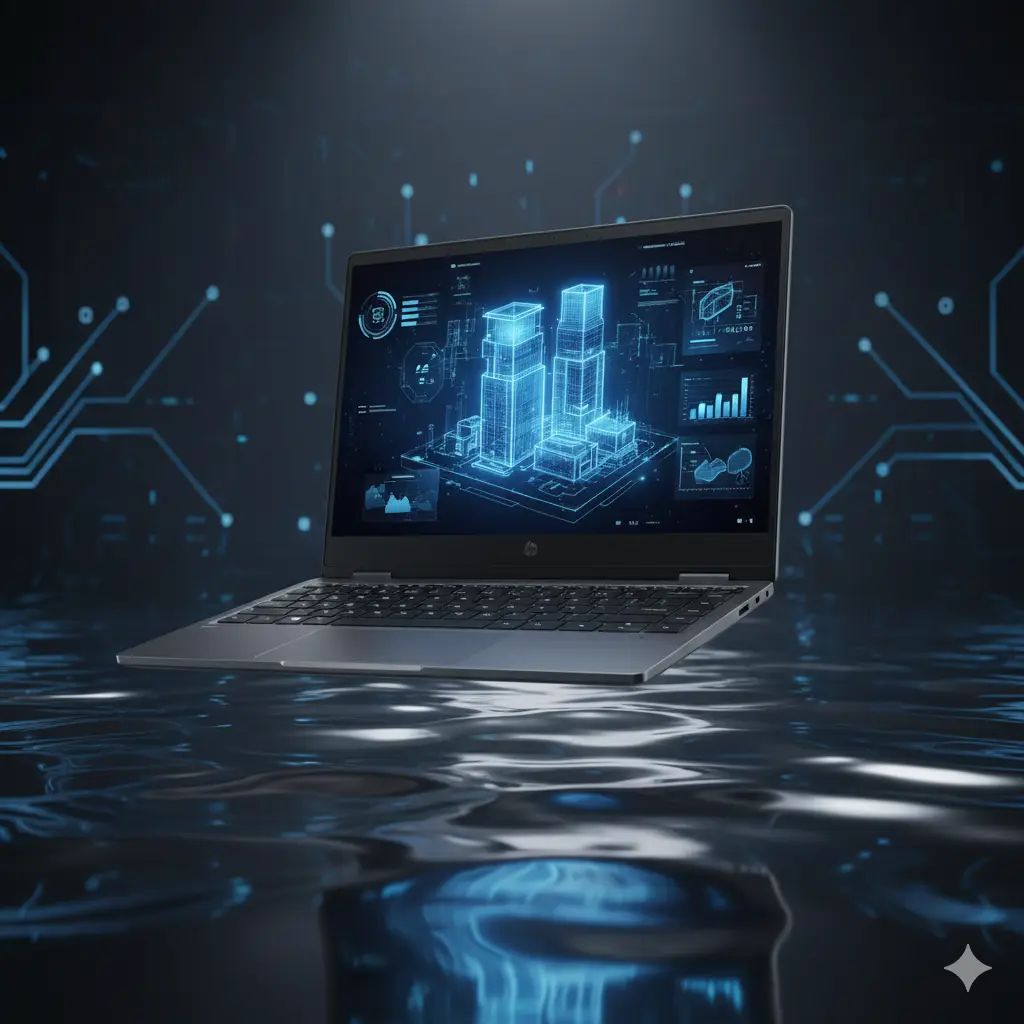

HP Victus (15-ga0005tx) Laptop
Processor: Intel Core i7-14650HX
HP Victus (15-ga0005tx) Laptop
Comprehensive Guide to Choosing the Right HP Laptop3>
Selecting the optimal HP laptop for your professional requirements involves analyzing core processing capabilities, physical form factors, memory allocations, and storage configurations. HP designs distinct device lineups tailored specifically for corporate environments, creative development tasks, and efficient daily multitasking. When navigating our collection of HP laptops, prioritize technical specifications that align directly with your operational workflows.
Core processing units form the foundation of any reliable HP laptop. Modern iterations feature advanced multi-core processors designed to execute demanding computational tasks seamlessly while preserving battery longevity. For intensive professional applications, look toward configurations utilizing high-tier processors paired with ample random access memory. RAM capacity directly influences multi-application performance, ensuring smooth transitions between heavy data sheets, programming software, and multi-tab browser research. We recommend a minimum baseline configuration of 16GB RAM for uninterrupted productivity.
Storage architecture is another vital consideration when investing in HP laptops. Solid-state drive technology provides accelerated boot sequences, rapid file transfers, and enhanced durability compared to traditional mechanical hard drives. Evaluate your data storage volume requirements to choose between standard capacities and high-capacity storage drives. Furthermore, display technology varies across models, featuring high-resolution anti-glare panels designed to reduce eye strain during extended work sessions. Evaluate integrated connectivity options, including Thunderbolt ports, modern USB-C interfaces, and secure wireless standards, to guarantee seamless peripheral integration.
Ultimately, investing in an HP laptop ensures robust build quality, advanced enterprise-grade security features, and ergonomic keyboard layouts optimized for precision input. Review our curated selection of HP laptops today to elevate your workplace efficiency and secure a dependable computing solution tailored to your exact professional specifications.